Communication
You can e-mail your instructor or a classmate using your default e-mail program from within the course.
- To send e-mail to a single classmate, or everyone in the class, select E-MAIL CLASSMATE from the COMMUNITY tab on the navigation bar.

- Find the classmate you intend to e-mail, and click on their name to launch your default e-mail program with a new e-mail message addressed to the intended recipient.
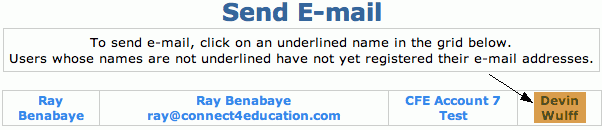
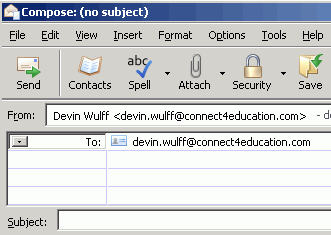
*Note: If a classmate's name is not highlighted blue or is not underlined, they do not have a registered e-mail address.
- To send an e-mail to your Instructor, select E-MAIL INSTRUCTOR from the navigation bar.

- Click your Instructor's name to launch your default e-mail program with a new e-mail message addressed to them.
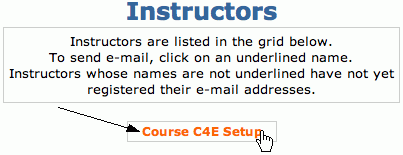
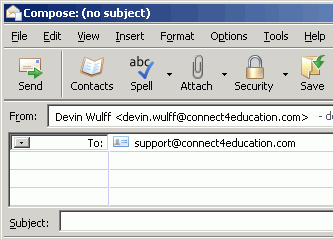
Note: If your default e-mail program is not usable or you would prefer to copy and paste the recipients e-mail address directly into an e-mail composition simply right clicking the classmate's or Instructor's name and select Copy E-mail Adress.
