Electronic Gradebook
To access the Gradebook click GRADEBOOK under the MY COURSEWORK tab on the Navigation Bar.
Below is an example of the Gradebook. Assignments appear on the left with the relevant due dates appearing on the right if deadlines have been set.
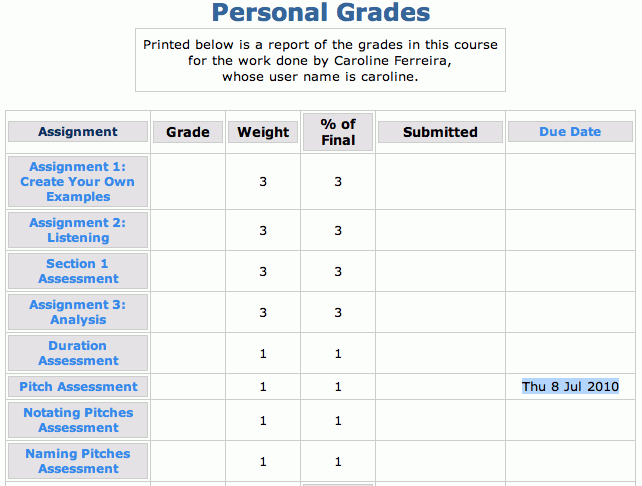
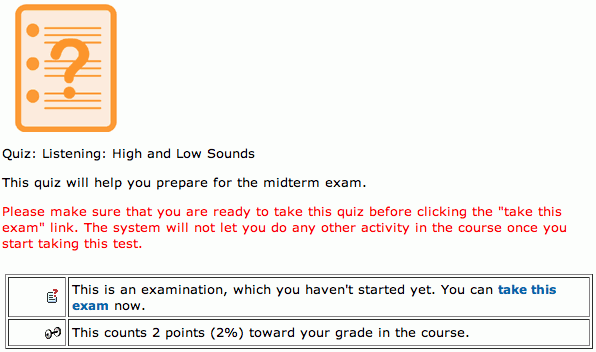
Click on an assignment title to access the assignment in the course content. Options will appear below the assignment instructions providing detailed information about the assignment.
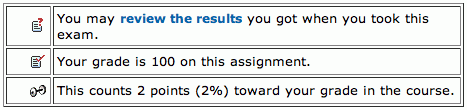
When you have completed an assignment the information that appears below it is different, and you have the option to "review the results" of the assignment you have completed. Use this feature to help prepare for the mid-term and final exams.