Discussion Forums
- To access a Discussion Forum select FORUMS from the COMMUNITY tab of the navigation bar.

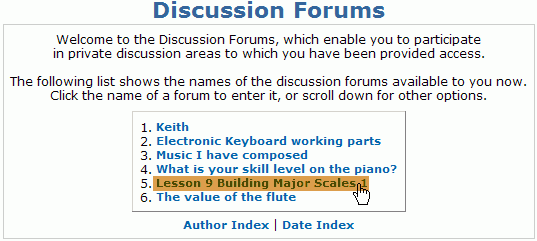
- Choose a topic and click the title to enter the forum.
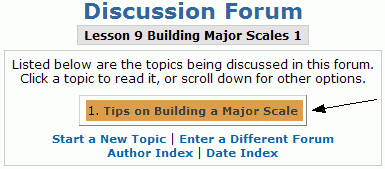
- Forum subjects are divided by topic. Click the title of the topic to add a comment or to view the topic's feed.
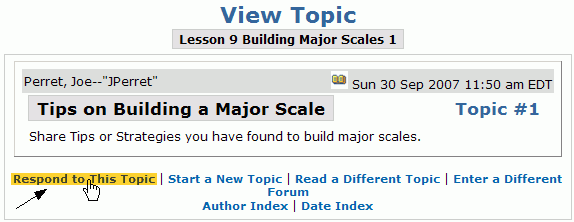
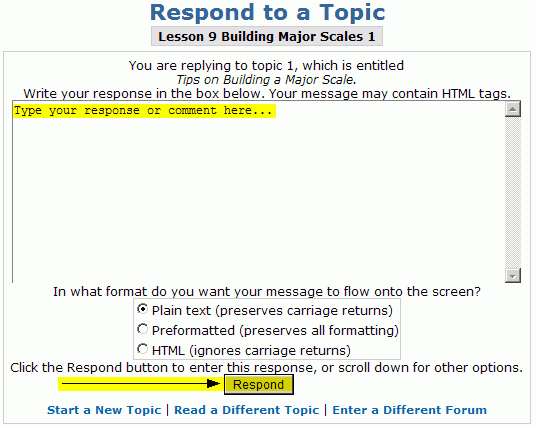
- To reply to the topic, click Respond to This Topic.
- Type your message into Message box and click Respond.
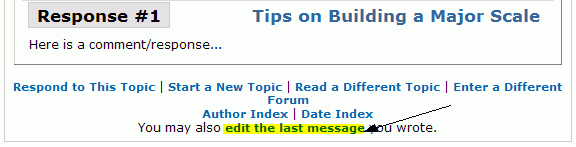
- Your response will appear as a new thread below the topic or most recent submission, and it will be titled Response # . If there is a large number of threads click on move down quickly to quickly navigate to the latest postings.
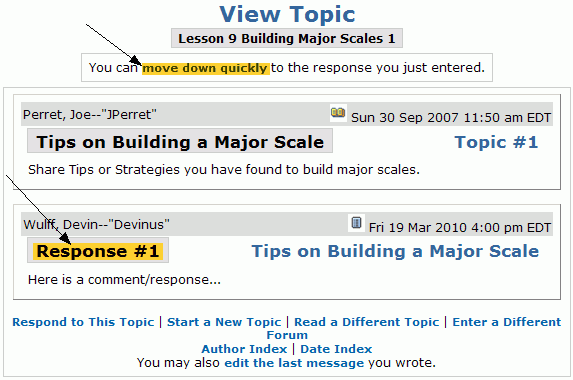
- You can make changes to your most recent posting by clicking edit the last message.