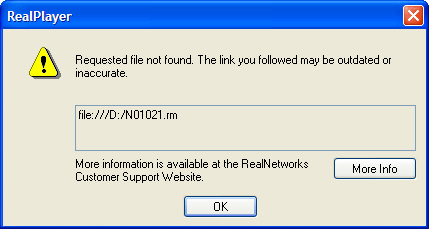
I've installed RealPlayer already. I can't access the listening samples. I get a "Requested file not found. The link you followed may be outdated or inaccurate." error message.
A: The most common causes for this occurrence are:
- The correct course CD is not in the computer's CD-ROM drive.
To fix this
- Insert the CD-ROM disk into the CD-ROM drive. Wait for 10 seconds.
- Verify the CD-ROM drive is reading the CD-ROM disk.
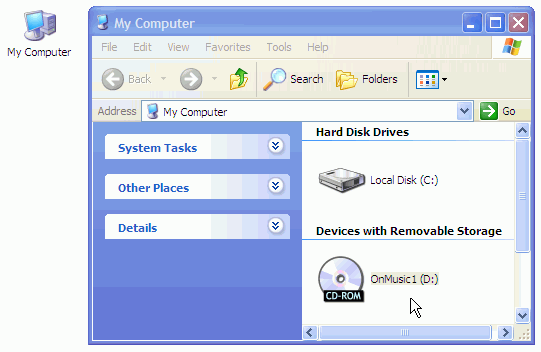
PC Users > Double-click "My Computer" icon on your desktop. You should see the name of the CD-ROM disk and the drive letter beside the name of the CD-ROM disk.
- For example, if you are taking OnMusic Appreciation you will see "OMA1" as the name of the CD-ROM disk 1.
- The CD-ROM Setup in the course is not correct.
To fix this:
- PC users, launch Microsoft Internet Explorer and go to www.connect4education.org.
- Inside the course website, select CD-ROM Setup from My Settings on the grey tab menu below the course banner on the top of the page.
- Follow the directions on the CD-ROM Setup page.
- After you complete the setup, you should receive a confirmation that your CD-ROM setup has been changed.
- Reminder: Anytime you switch to a different computer you will need to do your CD-ROM Setup in the course.