CD Package |
Name of CD 1 |
Name of CD 2 |
| OnMusic Appreciation 2nd Edition (ISBN 007 721271-1) | OMA1 |
OMA2 |
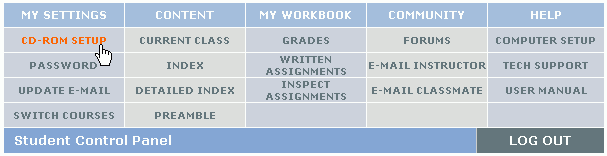
CD-ROM Setup for Macintosh Users
All the multimedia resources for the course music and interactive content are on the course CD-ROMs. Please make sure the correct CD-ROM is in the CD-ROM drive, and the CD-ROM Setup is properly configured.
WARNING: If you do not do the CD-ROM Setup properly, you will not be able to listen to music or view interactive content in the quizzes, exams, and course pages.
CD Package |
Name of CD 1 |
Name of CD 2 |
| OnMusic Appreciation 2nd Edition (ISBN 007 721271-1) | OMA1 |
OMA2 |
IMPORTANT: You will need to do the CD-ROM Setup whenever you switch CDs.